Node Inspector
A Figma plugin that bridges Figma and AI coding tools. Select any layer to copy its node ID, file key, and component key as a paste-ready MCP snippet. Or paste IDs in the other direction to jump directly to those layers in Figma.
Title
Node Inspector
Type
Figma Plugin
Date
2026
Problem
The Figma MCP lets AI coding tools like Claude Code and Cursor reference specific components and frames by node ID and file key. But Figma's UI doesn't expose those identifiers anywhere – you can't see them by looking at a layer. Getting them meant using the Figma API directly, which most designers (and many engineers) don't know how to do.
The friction was small, but it was exactly the kind of small friction that interrupts a workflow and prevents people from using available tools.
Approach
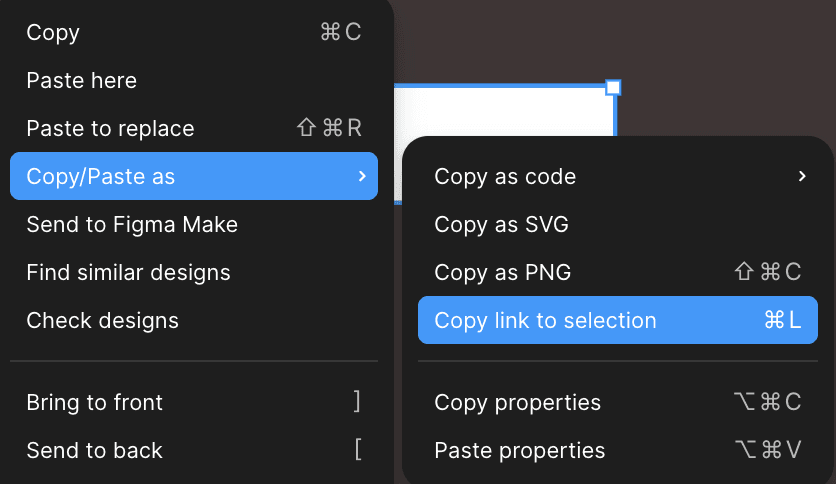
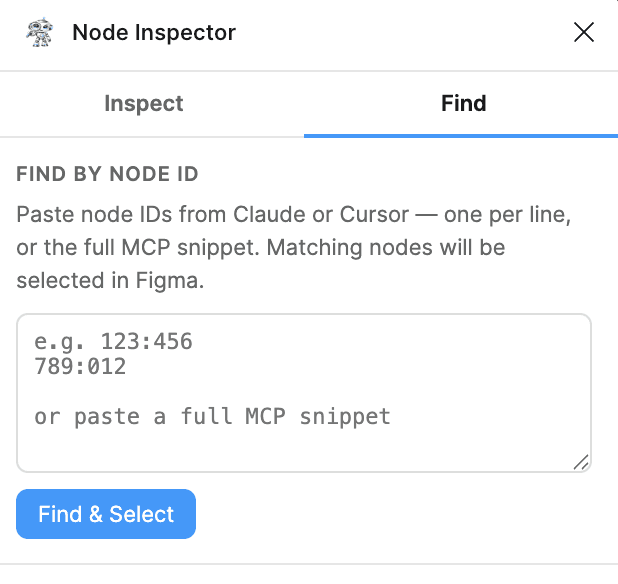
The plugin has two modes: 1. Inspect – select any layer in Figma, and the plugin shows the node ID, file key, and component key (if applicable), with a paste-ready snippet formatted for the Figma MCP. 2. Find – paste one or more node IDs into the plugin, and it selects those layers in Figma and scrolls to them – useful for reverse-lookup when you have an ID from a codebase and want to find the corresponding component in Figma.

Outcome
Published to the Figma Community in April 2026. Adopted by the Product Design team and cross-functional partners in engineering and product management.
In June 2026, an engineering team building a Pigeon comms tool using Claude Code reached out after seeing Node Inspector mentioned — they were trying to use the Figma MCP to pull component structure into their Claude skill, and Node Inspector was the missing piece. A partnership meeting was booked.
Projects
Explore more like this one


Selected tools that demonstrate my content engineering abilities.